
Expert Printer
Setup & Support.
Find immediate help for the most common printer issues.
QUICK SOLUTIONS
Online/Call Support
24/7 Technical Support on Live Chat. Call us anytime at +1 (226) 319-1707.
Money Back
100% Money Back Guarantee for Unsatisfied Customers.
Free Shipping & Returns
Free Shipping in All Orders Above $200 and easy returns.
Expert Setup Help
Wireless setup, drivers, offline issues, and blank prints? We fix it all.
WIRELESS SETUP GUIDES
Select your issue below to connect with a certified technician via live chat for immediate assistance.
Printer offline

Unable to Setup Wireless

Changed Network Wireless printer not working

Printer wireless Setup

Step by Step guide

Printer not Printing
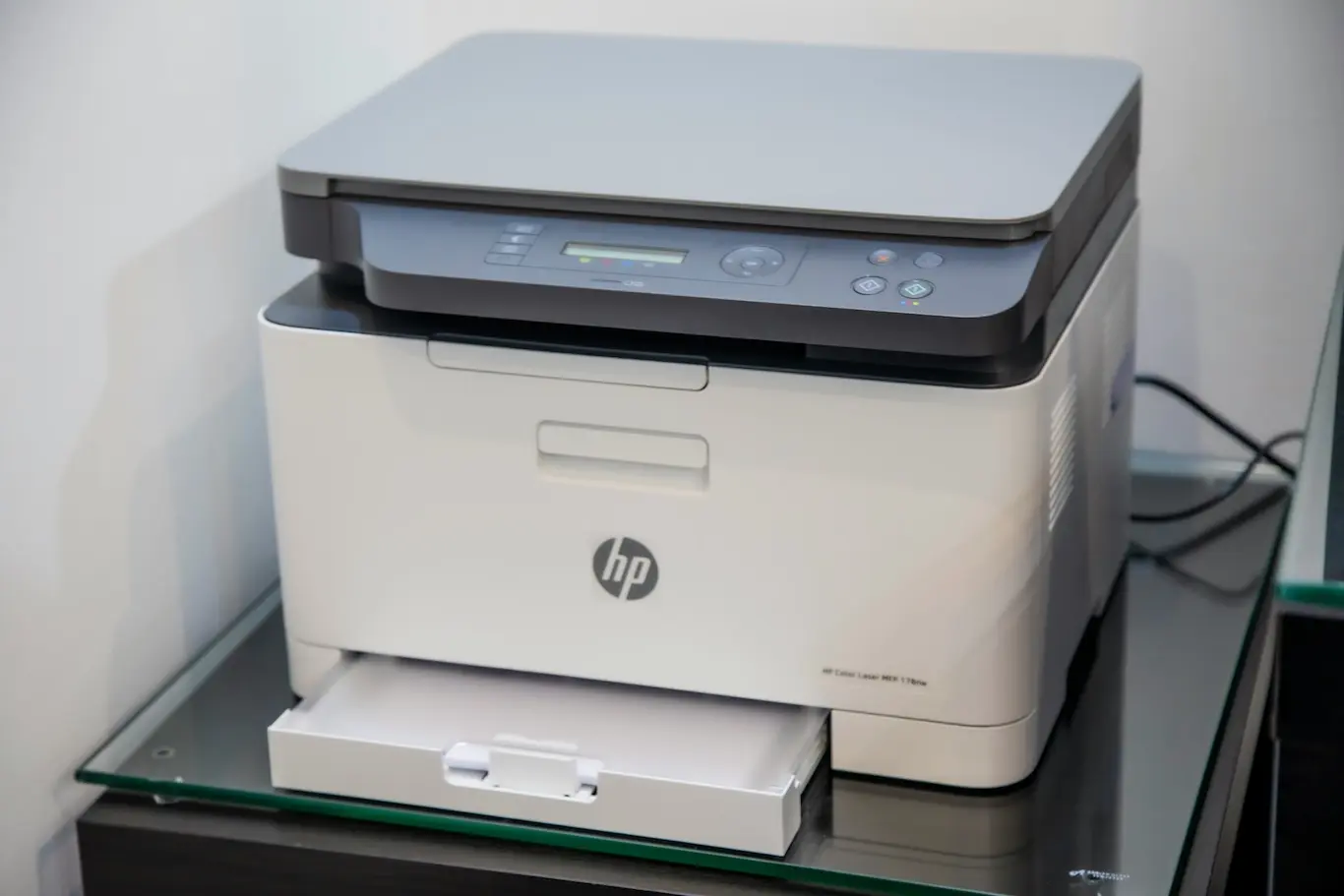
Connect Printer
SHOP BY CATEGORY
Explore our high-performance hardware across specialized professional departments.
Smooth Setup.
Get back to printing in minutes with our comprehensive troubleshooting guides. We provide clear, step-by-step instructions to fix offline issues, connection errors, and driver installations so your workflow runs flawlessly.
NEW ARRIVALS
Explore our latest inventory of high-performance printing hardware and precision tools.
Wireless all-in-one inkjet printer with photo printing, scanning & copying, AirPrint support, and compact design.
High-speed, cost-efficient printer with sharp output, wireless connectivity, duplex printing, and 250-sheet capacity.
Wireless all-in-one printer with easy setup, duplex printing, hybrid ink, smart apps, and efficient paper handling.
3-in-1 laser printer for small offices with 30 ppm speed, duplex printing, Wi-Fi/Ethernet, 150-sheet tray.
High-quality color printer with 1200×1200 dpi output, 22 ppm speed, Wi-Fi/USB/Ethernet, 5″ touchscreen, flexible media handling.
Epson EcoTank ET-2800 wireless all-in-one inkjet with supertank bottles, scan/print/copy, 100-sheet tray, 5760×1440 dpi color output.
Epson EcoTank ET-15000 all-in-one printer with duplex printing, ADF, fax, Wi-Fi/Ethernet, high-yield ink, fast speeds.
Epson EcoTank Photo ET-8550 is a wireless and wired all-in-one printer with touchscreen, duplex printing, photo quality up to 5760×1440 dpi, EcoTank inks, ENERGY STAR certified.
Epson EcoTank ET-2400 is a compact wireless all-in-one color printer with scan and copy. Cartridge-free ink system, photo printing, 5760×1440 dpi resolution, ideal for home use.
HP all-in-one inkjet printer with print, copy, scan, and fax. Speeds up to 20 ppm black / 10 ppm color, automatic duplex, 225-sheet tray + 35-sheet ADF.
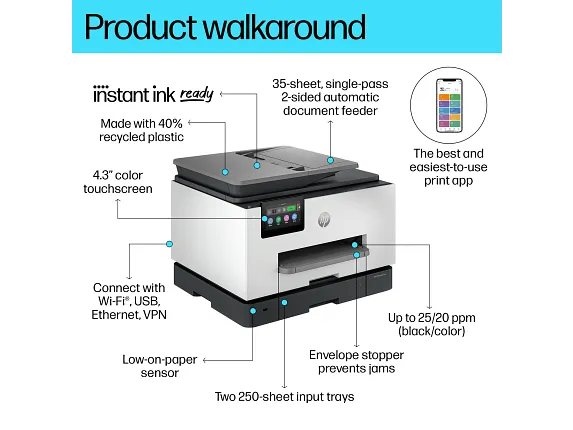
HP OfficeJet Pro all-in-one printer with print, copy, scan, and fax. Fast speeds up to 25 ppm black / 20 ppm color, automatic duplex, 250+250 sheet trays, 35-sheet ADF.
HP Envy Photo 7275 all-in-one printer with print, scan, copy, and photo features. Delivers up to 15 ppm black / 10 ppm color, auto duplex, 2.7″ touchscreen, dual-band Wi-Fi.
OFFICE PRINTERS
High-performance printing solutions engineered for professional clarity and speed.
TOP RATED BEST SELLERS
Discover our most trusted printers and supplies as rated by industry professionals.
Can't find what
you're looking for?
Search our extensive database of 10,000+ printer parts and accessories instantly.
About
ONE STOP SOLUTIONS
Independent consultancy experts delivering software, service implementation, and installation support — entirely on our own terms.
Software Setup
We guide and assist with software solutions, ensuring smooth setup and activation.
Installation
Hands-on consultancy for product installation, helping you start without hassle.
Online Support
Continued support and services for products with expert guidance anytime.
Price Compare
References to third-party retailers to help you find the best deals online.
All services and support provided by ONE STOP SOLUTIONS are entirely independent and third-party in nature. We are not affiliated with, authorized by, or officially connected to any product brand or manufacturer. Any services rendered are solely by ONE STOP SOLUTIONS as an independent service provider. We do not sell, supply, or ship any products directly.
TROUBLESHOOTING & FAQS
Common wireless printer issues and instant solutions.